We respect your privacy























To make it easier for users to add the label, the Apartmanica interface now includes the option to display the “Local Host” badge on the property website.
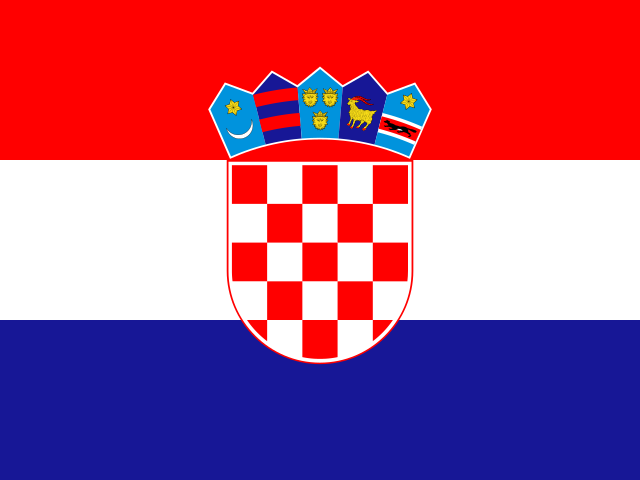
The Croatian National Tourist Board, in cooperation with the Ministry of Tourism and Sport, established the “Your Host / Local Host” badge, which eligible holders can request through the eVisitor system.
The “Local Host” badge clearly tells guests that behind the accommodation there is a real host who actively participates in the local community.
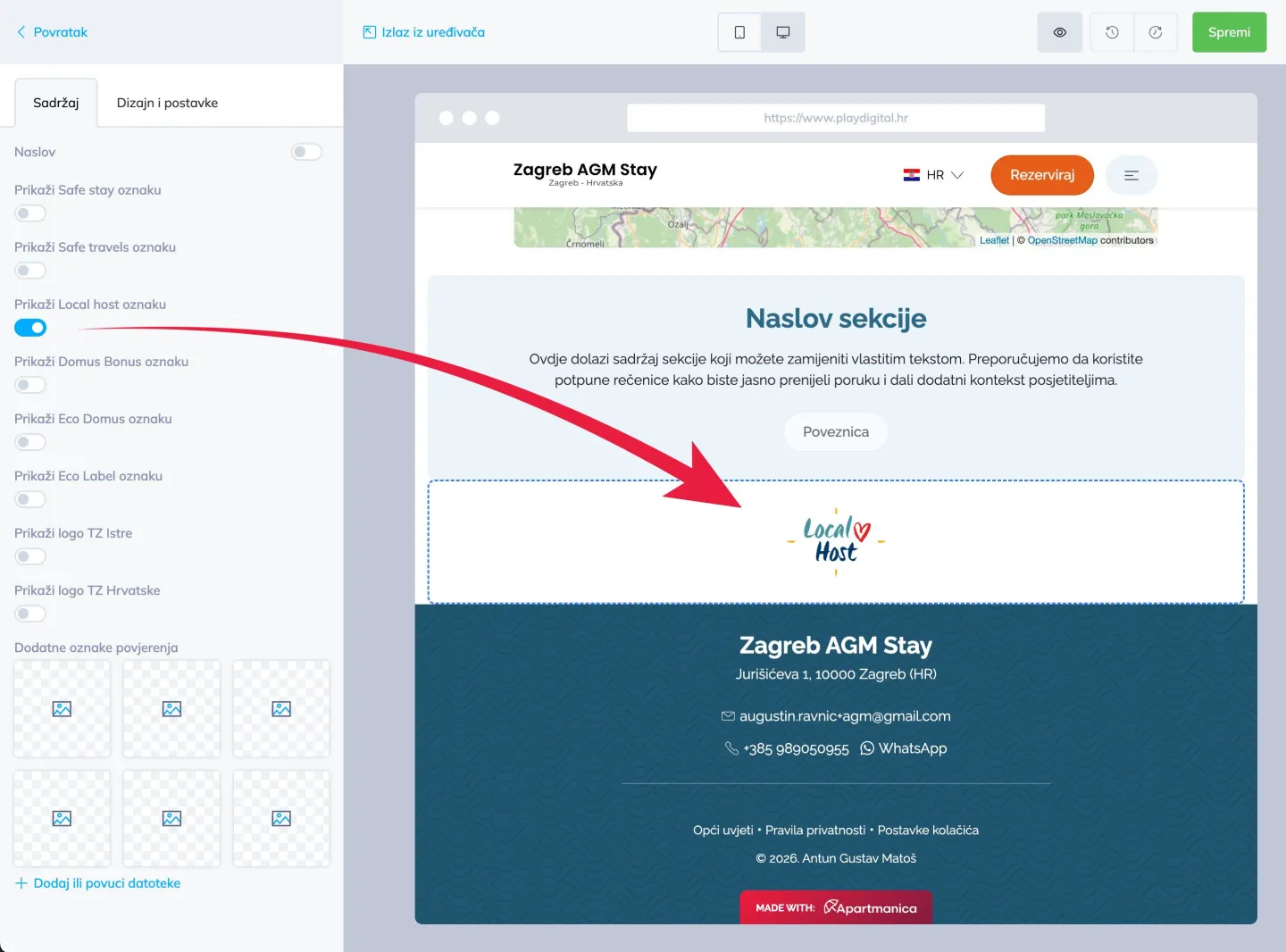
How to display the “Local Host” badge on your website
For all users who have obtained the right to use this badge and want to display it on the property homepage, the process is very simple and consists of just a few steps.
Steps to activate the badge (Apartmanica 1.0)
- Log in to the admin interface and in the main menu on the left select “Design and Content”.
- In the page list, click the “Edit page” button next to the homepage.
- In the menu on the left, select “Homepage photos”.
- At the bottom of the menu, check the option “Show Local Host badge”.
- Click “Save changes”.
- In the preview on the right, you will immediately see that the badge has been added to the homepage.
Steps to activate the badge (Apartmanica 2.0)
- Log in to the admin interface and in the main menu on the left select “Website”.
- In the page list, choose the page where you want to add the badge (most often the homepage) and click “Edit”.
- In the menu on the left, click “Add section”.
- Find the “Trust badges” section and click it.
- The section is automatically added to the bottom of the page.
- In the left menu you have a range of options – select “Local Host”. At that moment it will automatically appear on the page on the right.
- You can add more options to the section or move it up or down, depending on where it suits you best.
This functionality is available to all users who want to further highlight their “Local Host” status on their website. If you have any questions or need help with activation, our team is at your disposal.