 We respect your privacy

























Calendar
7-day free trial. No credit card required!
Booking calendar with occupied and available days that is simple to use
An essential tool for managing bookings for your rental business. It makes it easy for businesses to manage and update their schedule, ensuring that all bookings are accurate and up-to-date.
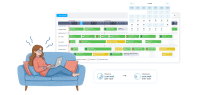
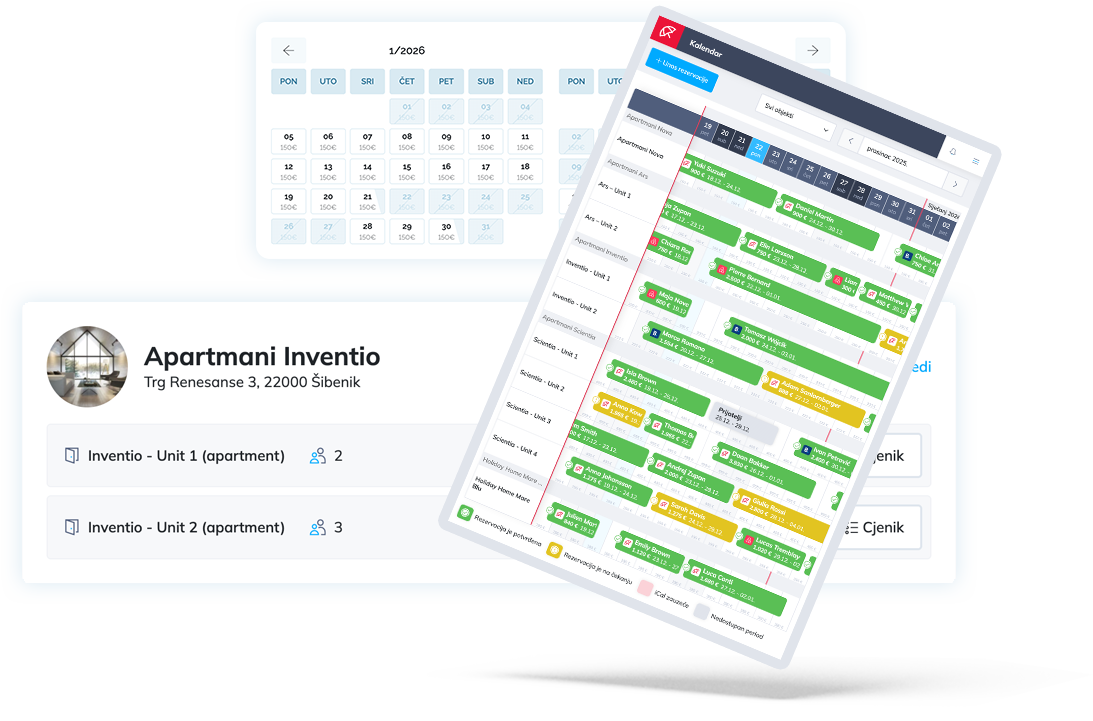
All objects and all units in one single calendar
With the Apartmanica calendar, all your properties and accommodation units are in one clear place. The simple and intuitive interface enables fast schedule management, with complete accuracy and up-to-date reservations.
Add new reservations
Close unavailable periods
Manage or delete your reservations
Sync calendars with booking portals via iCal
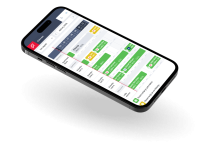
Manage your calendar with your mobile phone
Stay organized and in control of your schedule with the ultimate convenience of managing your bookings on the go!
Frequently asked questions
The calendar in Apartmanica serves as a central place for viewing occupancy and reservations of all your accommodation units. It provides a quick and clear overview of availability and enables easy management of dates in one place.
The calendar consolidates all dates – inquiries, confirmed reservations, unavailable periods, and iCal occupancy. Each entry clearly displays key information, without the need for additional searching.
The calendar is connected to external channels via iCal synchronization. Occupancy from other platforms is regularly transferred into Apartmanica and is clearly marked in the calendar together with information about the source.
The calendar uses colors for a quick and clear overview:
- yellow – received inquiry
- green – confirmed reservation
- gray – unavailable period
- lightly shaded red – occupancy imported via iCal synchronization (with the iCal source displayed)
In addition to the status, the calendar immediately shows where the inquiry or occupancy came from, the reservation amount, and the stay period.
Yes. Although an iCal occupancy is displayed as a shaded period, it is possible to manually add a confirmed reservation over that period and enter it into the Apartmanica system. This allows you to keep an accurate record of all reservations in one place.
Yes. You can manually add an unavailable period or a confirmed reservation in the calendar, for example for bookings received by phone, email, or other channels outside the system.
An unavailable period is easily set directly in the calendar. Select the dates when the accommodation is not available for booking, and these periods are automatically taken into account across the entire system.
Yes. All changes in the calendar are applied immediately within Apartmanica – on your website, in the booking engine, and when receiving new inquiries, ensuring that guests always see up-to-date availability.
The calendar provides a central and highly detailed overview of occupancy, and in combination with iCal synchronization and manual inquiry confirmation, it allows you to check availability before each confirmation and make a secure decision, minimizing the risk of double bookings.

Are you ready for more direct bookings?
Try Apartmanica free for 7 days – no obligation and no credit card required.